Today i was notified with this little icon:

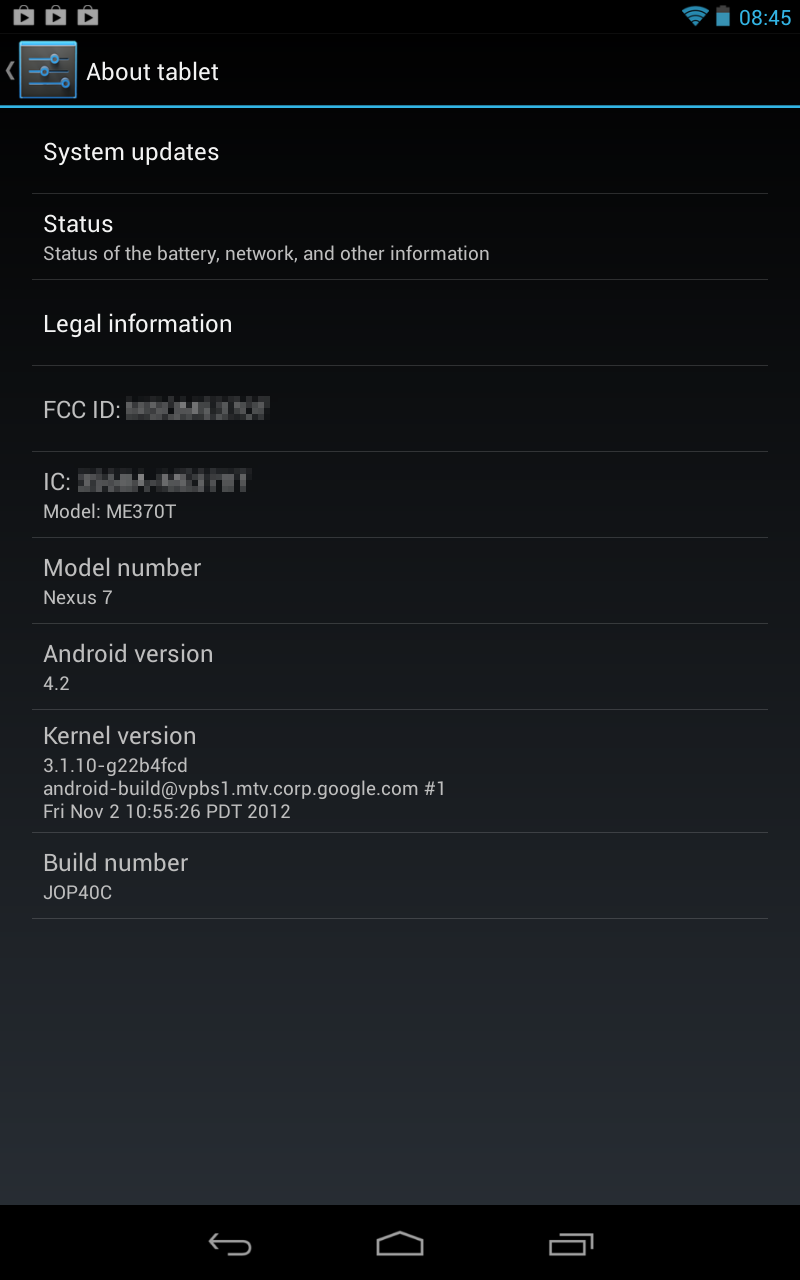
 Two week ago i already wrote a posting about the new features of Android 4.2 and not only new devices got this version. Here some screenshots of the update:


And here we go:
.The first command i tried was:
├── add-ons
├── platforms
│ └── android-16
├── platform-tools
│ ├── aapt
│ ├── adb
│ ├── aidl
│ ├── api
│ ├── dexdump
│ ├── dx
│ ├── fastboot
│ ├── lib
│ ├── llvm-rs-cc
│ ├── NOTICE.txt
│ ├── renderscript
│ └── source.properties
├── temp
└── tools
├── adb_has_moved.txt
├── android
├── ant
├── apkbuilder
├── apps
├── ddms
├── dmtracedump
├── draw9patch
├── emulator
├── emulator-arm
├── emulator-x86
├── etc1tool
├── hierarchyviewer
├── hprof-conv
├── lib
├── lint
├── mksdcard
├── monitor
├── monkeyrunner
├── NOTICE.txt
├── proguard
├── source.properties
├── sqlite3
├── support
├── systrace
├── templates
├── traceview
└── zipalign
schroff@hades:$ ./apkbuilderHmm. Does not really look as i expected.
<<<<<<<<<<<<<<<<<<<<<<<<<<<<<<<<<<<<<
THIS TOOL IS DEPRECATED and may stop working at any time!
If you wish to use apkbuilder for a custom build system, please look at the
com.android.sdklib.build.ApkBuilder which provides support for
recent build improvements including library projects.
>>>>>>>>>>>>>>>>>>>>>>>>>>>>>>>>>>>>>
A command line tool to package an Android application from various sources.
Usage: apkbuilder <out archive> [-v][-u][-storetype STORE_TYPE] [-z inputzip]
[-f inputfile] [-rf input-folder] [-rj -input-path]
-v Verbose.
-d Debug Mode: Includes debug files in the APK file.
-u Creates an unsigned package.
-storetype Forces the KeyStore type. If ommited the default is used.
-z Followed by the path to a zip archive.
Adds the content of the application package.
-f Followed by the path to a file.
Adds the file to the application package.
-rf Followed by the path to a source folder.
Adds the java resources found in that folder to the application
package, while keeping their path relative to the source folder.
-rj Followed by the path to a jar file or a folder containing
jar files.
Adds the java resources found in the jar file(s) to the application
package.
-nf Followed by the root folder containing native libraries to
include in the application package.
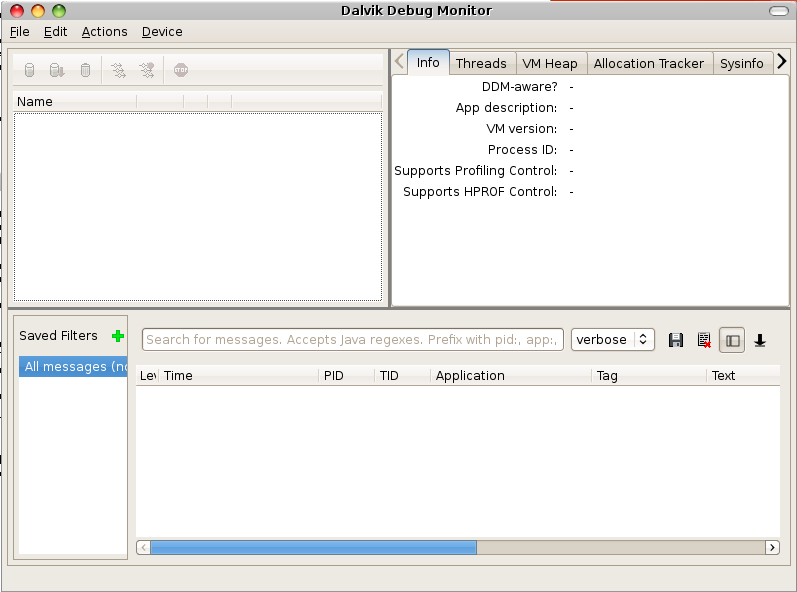


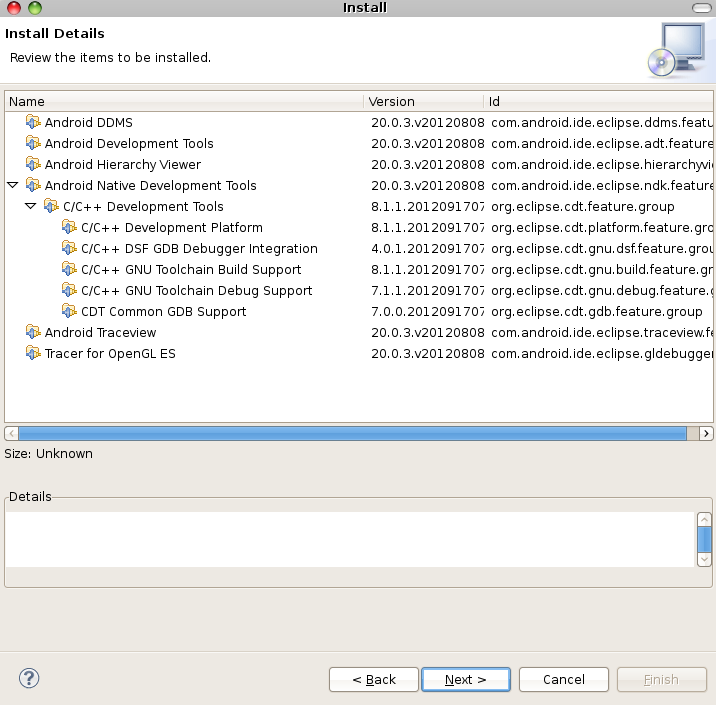

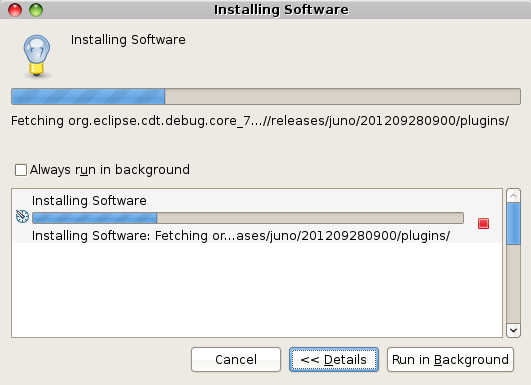


Nov 2 22:03:02 hades kernel: usb 1-1: new high speed USB device using ehci_hcd and address 2But the tablet showed up the following:



hades:/home/schroff# apt-get install mtp-tools mtpfsThen i followed this tutorial: http://blog.jsntng.me/2012/08/mounting-nexus-7-on-ubuntu-1204.html
Paketlisten werden gelesen... Fertig
Abhängigkeitsbaum wird aufgebaut
Statusinformationen werden eingelesen... Fertig
Die folgenden zusätzlichen Pakete werden installiert:
libmtp8
Die folgenden NEUEN Pakete werden installiert:
mtp-tools mtpfs
Die folgenden Pakete werden aktualisiert (Upgrade):
(Lese Datenbank ... 229320 Dateien und Verzeichnisse sind derzeit installiert.)
Vorbereitung zum Ersetzen von libmtp8 1.0.3-1+squeeze1 (durch .../libmtp8_1.0.3-1+squeeze2_i386.deb) ...
Ersatz für libmtp8 wird entpackt ...
Vormals abgewähltes Paket mtp-tools wird gewählt.
Entpacken von mtp-tools (aus .../mtp-tools_1.0.3-1+squeeze2_i386.deb) ...
Vormals abgewähltes Paket mtpfs wird gewählt.
Entpacken von mtpfs (aus .../archives/mtpfs_0.9-3_i386.deb) ...
Trigger für hal werden verarbeitet ...
Regenerating hal fdi cache ...
Restarting Hardware abstraction layer: hald.
Trigger für man-db werden verarbeitet ...
libmtp8 (1.0.3-1+squeeze2) wird eingerichtet ...
mtp-tools (1.0.3-1+squeeze2) wird eingerichtet ...
mtpfs (0.9-3) wird eingerichtet ...
hades:~# ls /media/nexus7On Windows it should work out of the box and for MAC you can find software on www.android.com/filetransfer:
Playlists

