Oct 31, 2012

Nexus 7: Waiting for Android 4.2

After the successful upgrade from 4.1.1 to 4.1.2 i read at Google's Official Blog about the new Nexus devices:
And they all run Android 4.2, a new flavor of
Jelly Bean—which includes the latest version of Google Now and other
great new features.


But what are these great new features? A description is available at this webpage. Here only a short summary:
  • Photo Sphere camera
  • Keyboard with gesture typing
  • User concept to use the tablet with more than one user (only tablets)
  • Wireless display on HDMI-enabled TVs
  • Google Now (????)

So let's wait and i hope, that there will be a rollout for older Nexus 7 devices, too....


Oct 16, 2012

Nexus 7: Android Update 4.1.1 to 4.1.2

Yesterday my Nexus 7 came up with the following notification:

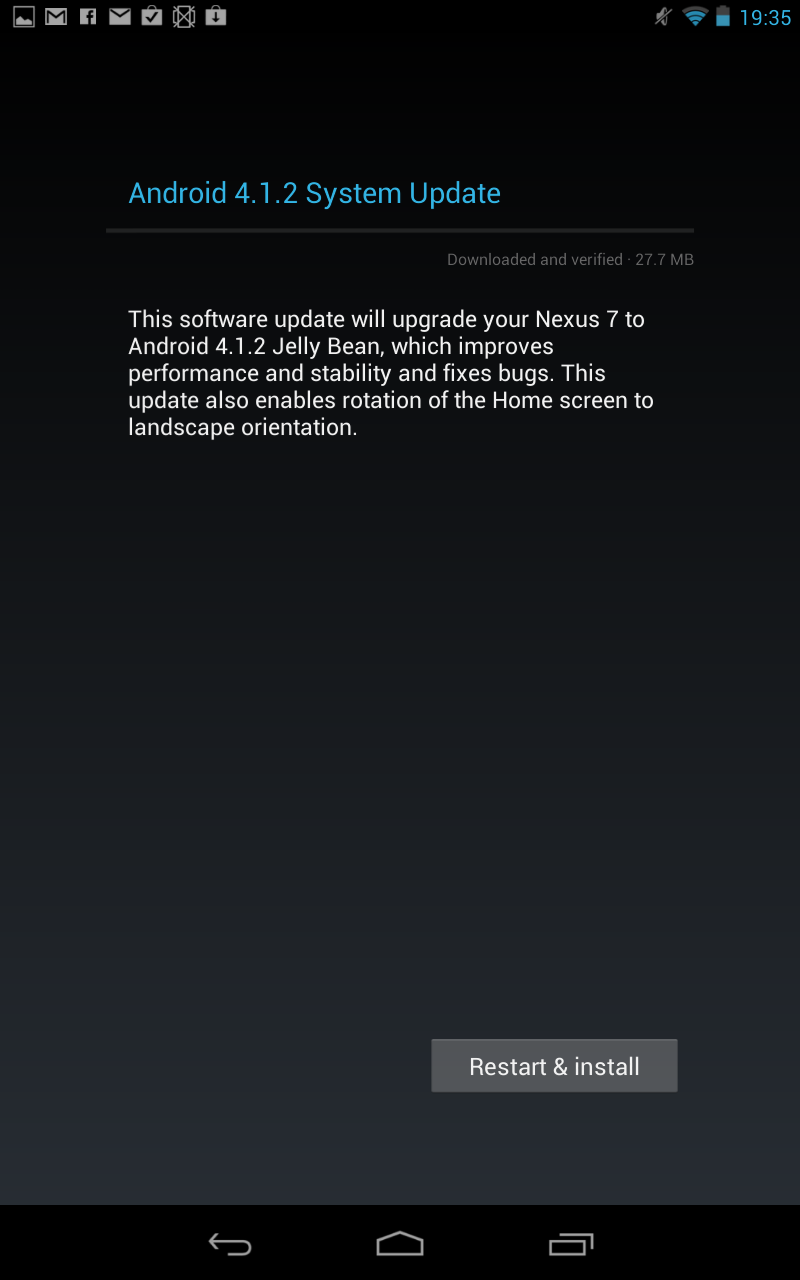
After tapping this entry i got the following screen:

And after some minutes the update was done:

This was quite easy.
The tablet still runs and no impacts up to now were detected...
And of course the home screen rotates without any additional app.

Oct 10, 2012

Nexus 7 and Navigation: Finding the best app...

In my last posting about navigation with Nexus 7 the conclusion was:
  • Google maps: calculating routes offline not possible
  • Google navigation: see abouve

One comment of a reader suggested the application "navfree". One of the postings which i found with Google search (the last one) suggested "CoPilot GPS". Both application can be installed without paying, so i tried both:


 navfree 


  • Zoom: only +/- buttons, no two finger gesture
  • Units: metric possible
  • 2D and 3D
  • Searching "Rüsselsheim, Am Waldschwimmbad: not found
    (but found on the map and could be chosen via map as destination)
  • map size (only Germany): ca. 900MB


 CoPilot
 GPS

  • Zoom: +/- buttons and two finger gesture
  • Units: metric possible
  • only 2D (3D purchasable)
  • Searching "Rüsselsheim, Am Waldschwimmbad: found
  • map size (Germany, Austria, Switzerland): ca. 320MB


I think, i will try both for some days and then take my decision, because both apps look quite good. But let's see wether navfree will find the next destinations, i want to drive to.

Oct 8, 2012

Nexus 7 and Navigation: Arriving at your destination without WLAN

The Nexus 7 comes with GPS (http://www.google.com/nexus/#/7/specs):
So it should be possible to use the tablet as route guidance system. While smartphones can connect to the internet via GPRS, UMTS or LTE then Nexus 7 can only use WLAN or Bluetooth to connect to the internet.
There some postings out there, what apps you can use:
My first attempt was using Google Map and Google Navigation. First you have to download some maps for offline use (there are some tutorials out there - or use "->Settings->Make available offline" in Google Maps.)
After that i switched off WLAN and tried to enter a destination in Google Maps:

Hmm - this did not work. What about Google Navigation?
After giving a destination i got this screen forever....

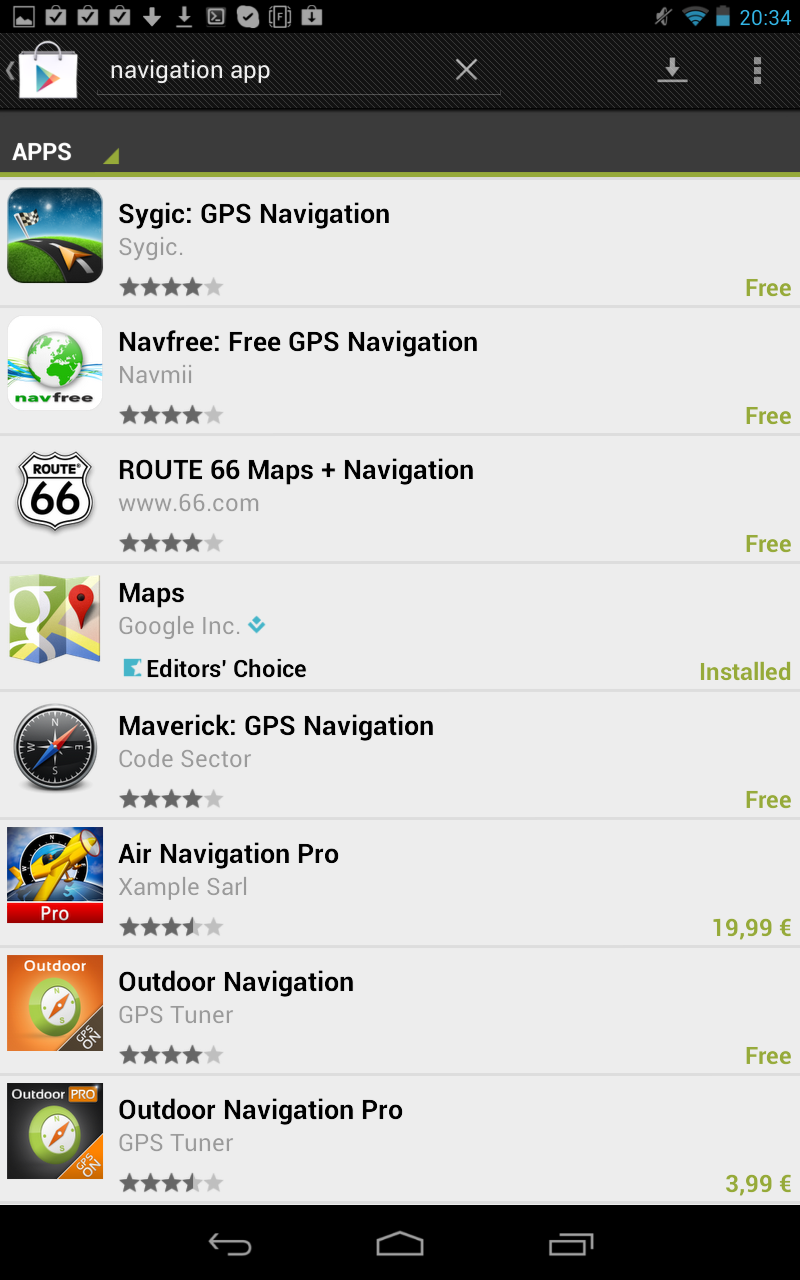
So i decided to buy an app from Googles play store, but there is nothing like TomTom or Navigon to buy or download:
But i read, that at least TomTom announced a navigation app for Googles play store...
As long as i find no navigatio app, i will use my Nexus 7 as road atlas and doing the navigation part on my own ;-)